Smart Android Bluetooth Tracker – Works with Google Find Hub
Smart Android Bluetooth Tracker – Works with Google Find Hub
🎁 Buy NOW & Get 15% OFF your next order
Couldn't load pickup availability
🚚 Free & Fast Delivery
↩️ 30-Day Return Period
🛡️ 1-Year Warranty
💳 Safe and Secure Payment
Smart Android Bluetooth Tracker – Works with Google Find Hub
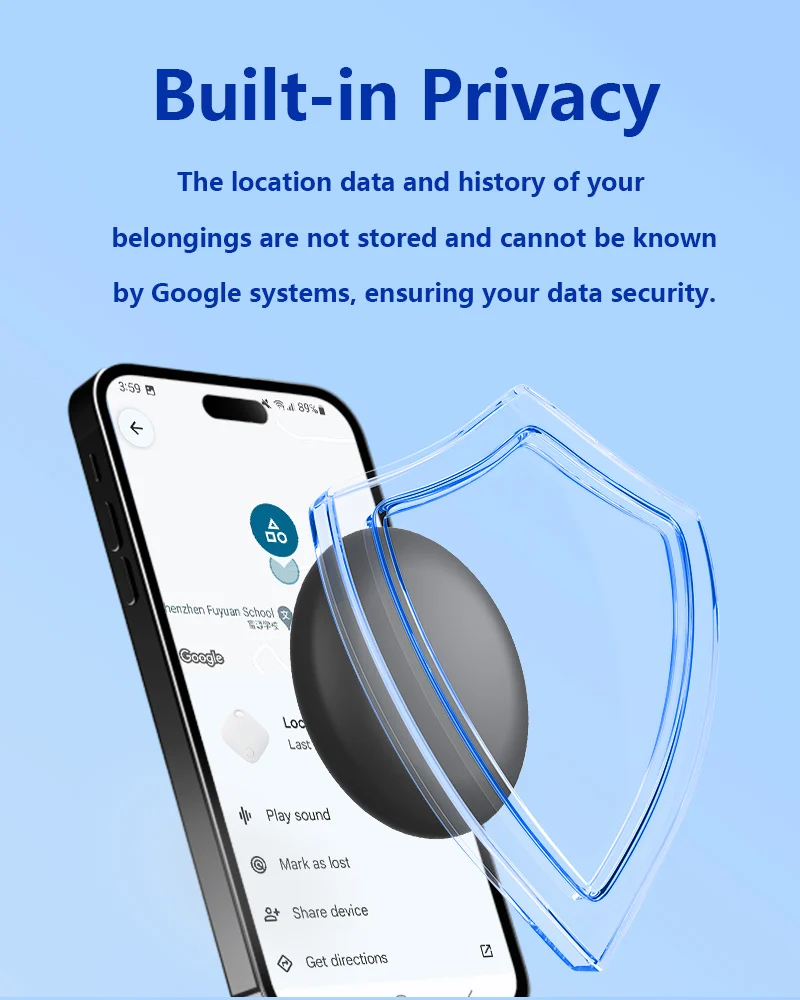
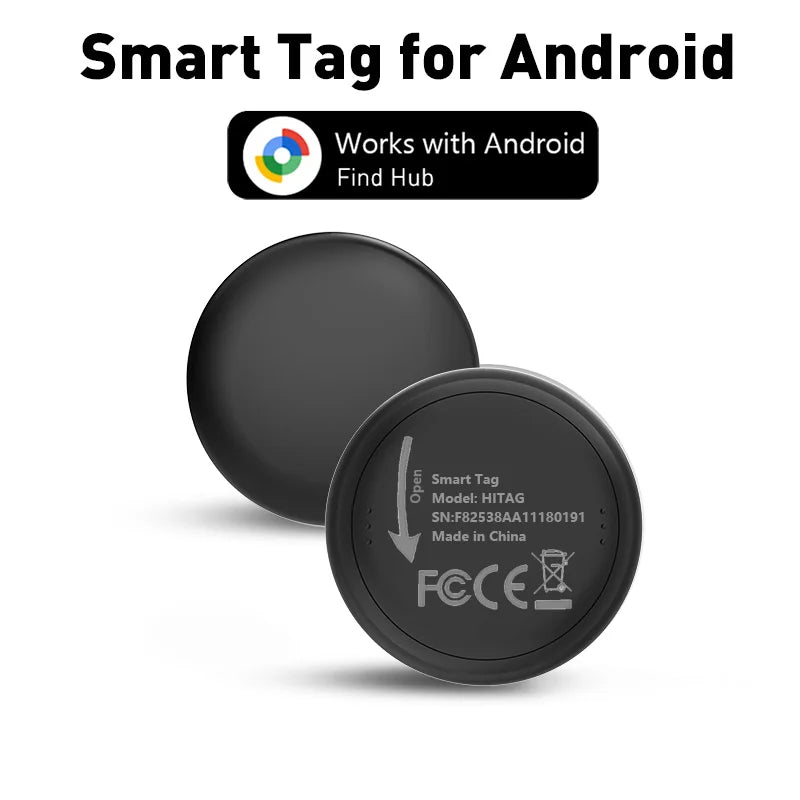
Keep track of your everyday essentials with this smart Android item tracker, designed to work with the Google Find Hub ecosystem. Use it for keys, backpacks, luggage and other important belongings, with both nearby and long-distance finding features through compatible Android devices.
Key Features & Benefits
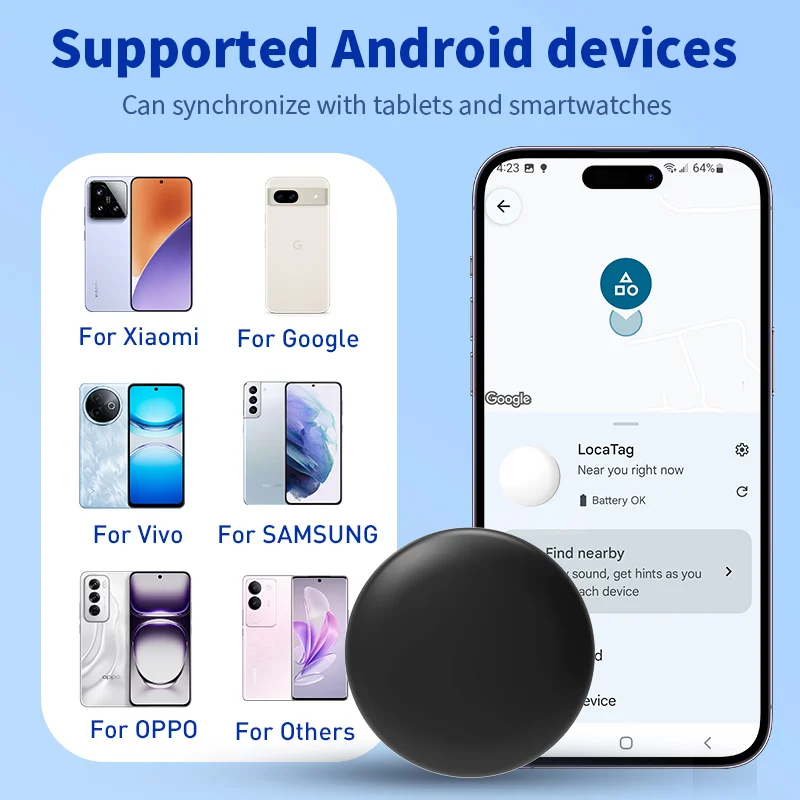
✔ Google Find Hub Compatible – Works with compatible Android phones, tablets and smartwatches that have full Google Mobile Services (GMS) installed.
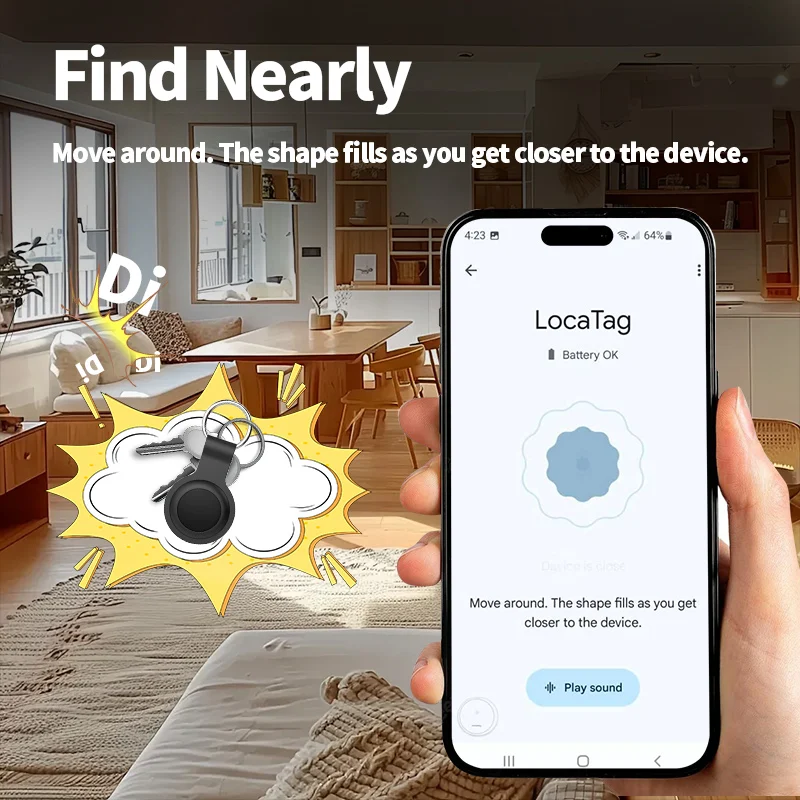
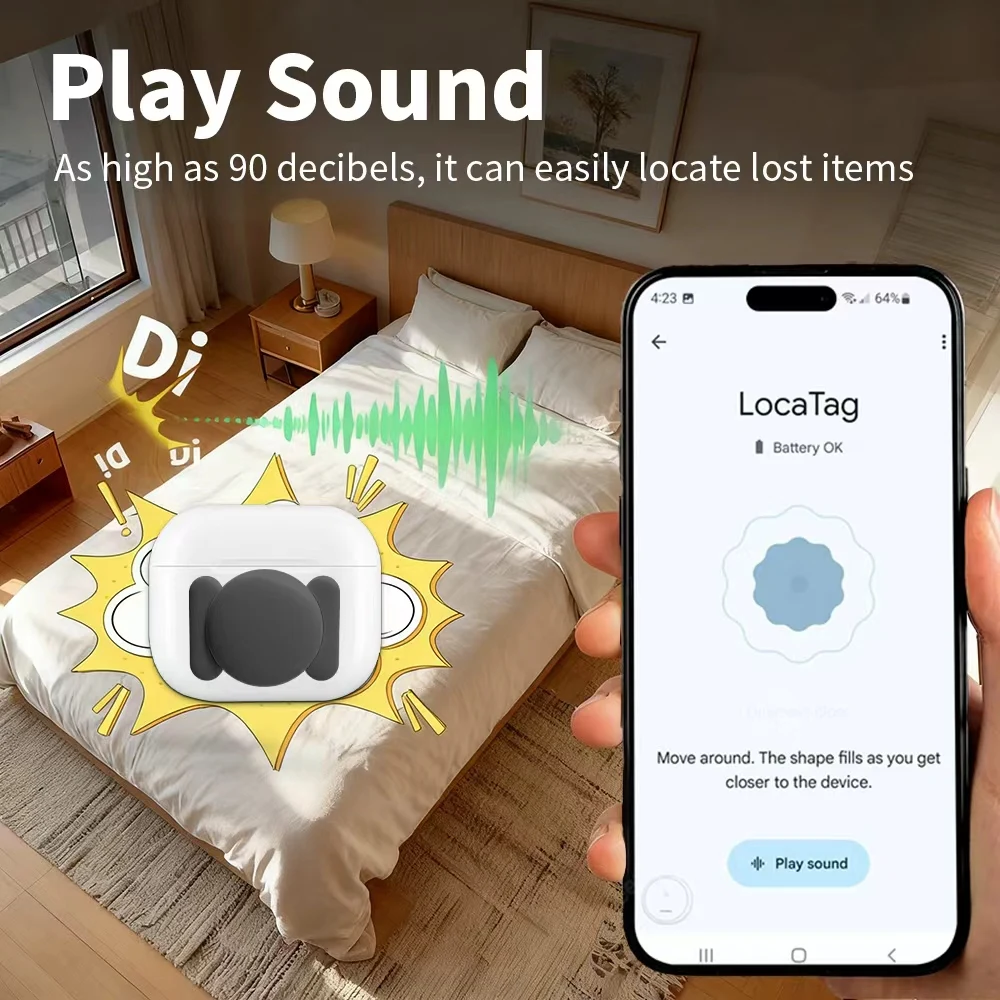
✔ Nearby & Far-Away Finding – Use proximity guidance and sound alerts when nearby, or view location and directions through the Google Find Hub network when further away.
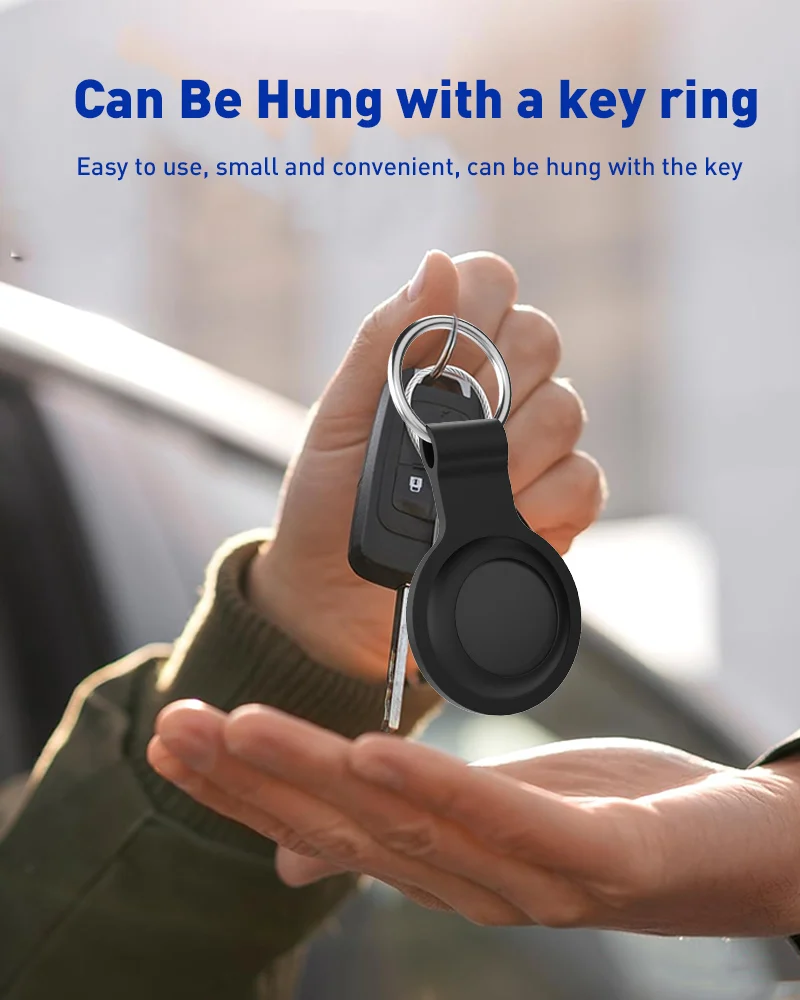
✔ Multiple Mounting Options – Magnetic versions are suitable for compatible metal surfaces, while hanging versions can attach to backpacks, keychains, suitcases and more.
✔ Wide Android Compatibility – Supports many compatible devices from brands such as Google, Samsung, Xiaomi, OPPO and Vivo, provided Google services are fully available.
✔ Location Sharing – Share the tracker location with one family member or friend for easier collaborative finding.
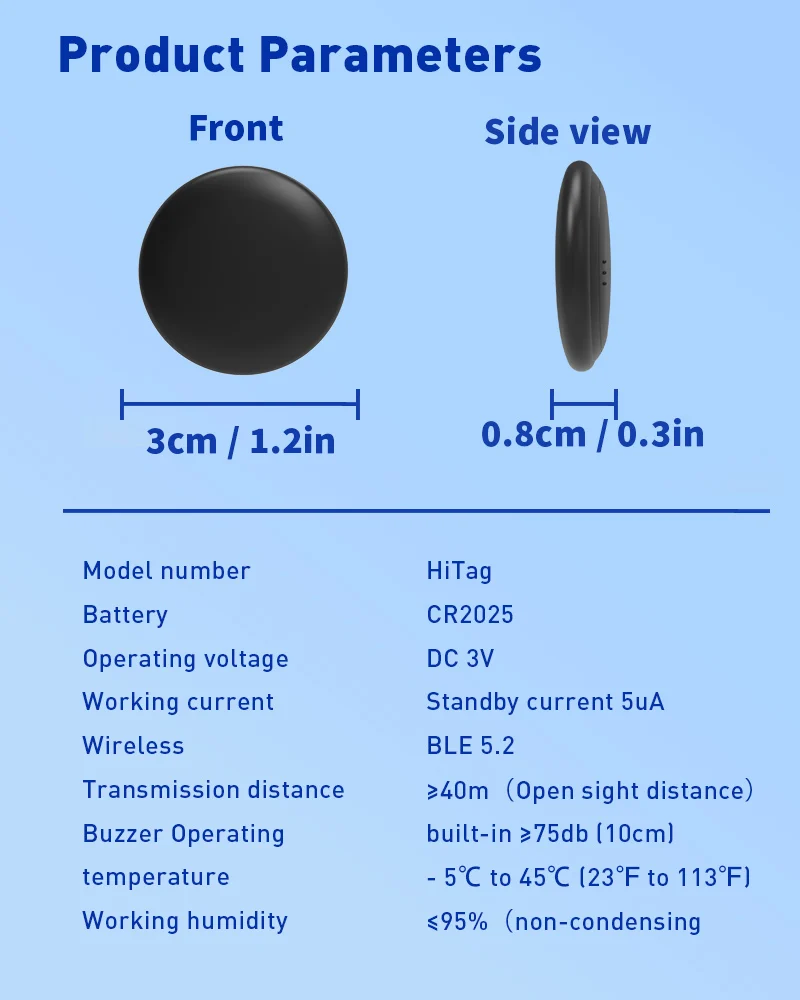
✔ Long Battery Life – Designed to provide over 1 year of battery life under normal use.
Important Compatibility Information
Your Android device must have full Google GMS pre-installed. Full functionality may not be available in regions where Google Mobile Services are restricted or unavailable.
For some Samsung Galaxy devices, additional permissions may be required:
- 1. Enable Google Bluetooth scanning in Galaxy Settings.
- 2. Check Device & Sharing permissions for Google services.
- 3. Open Google Play Services → Nearby devices → Allow.
Please Note: Tracker performance, location availability and compatibility can depend on your device, Android version, Google services and regional network availability.